



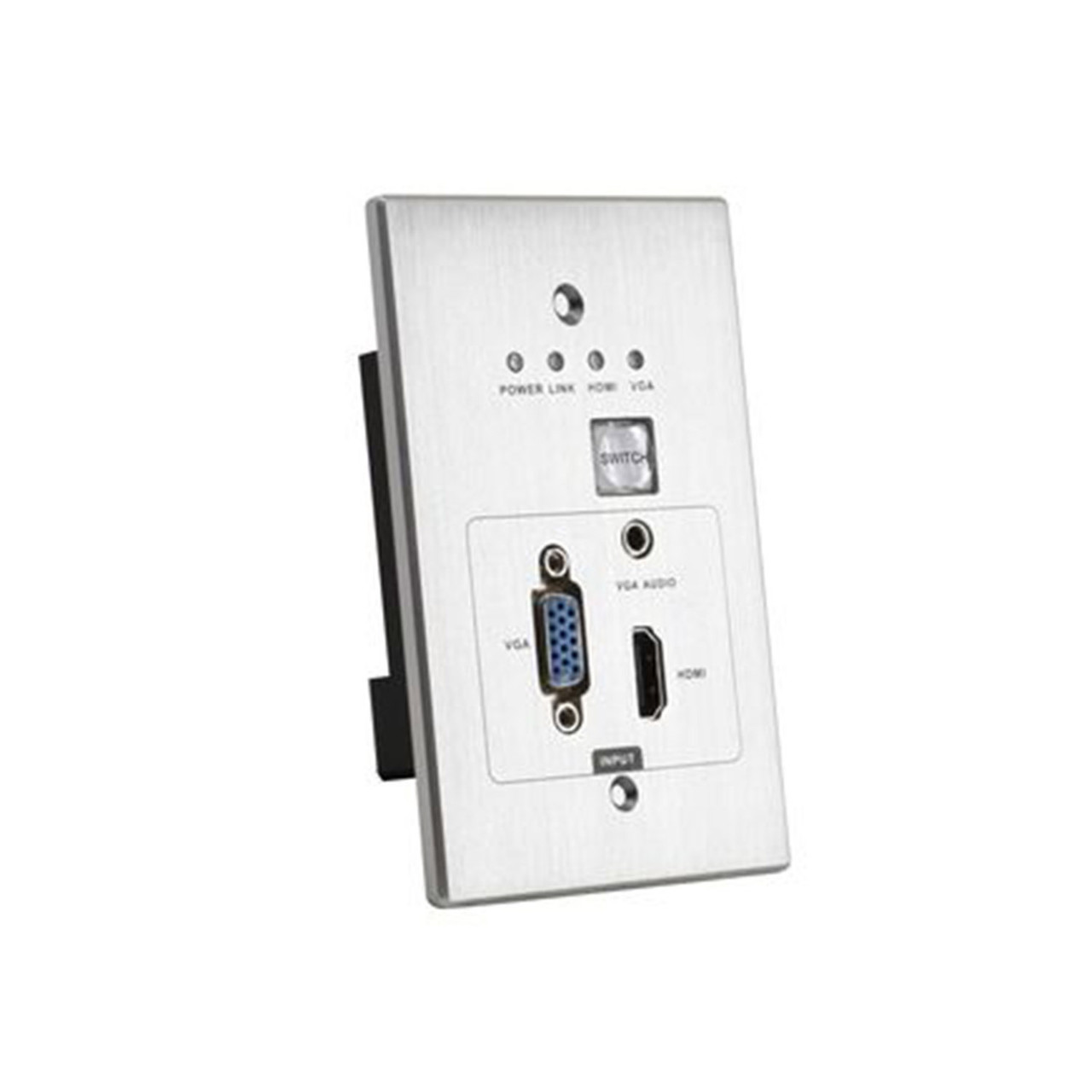
WolfPack Wallplate HDBaseT HDMI via CAT6 Extender
These WolfPack Wallplate HDBaseT HDMI over CAT6 devices have options for:
- HDMI inputs or outputs
- DisplayPort inputs on some
- VGA inputs + its 3.5mm audio
- Single or dual gang
- 4K/30 inputs/outputs to 175'
- 1080p inputs/outputs to 330'
- In-wall, in-table or podium install
- Auto-switch and manual control
- RS232 on some
- Active & Passive Wallplates
These WolfPack Wallplate HDBaseT HDMI over CAT6 Transmitters & Receivers are used with HDTV Supply's WolfPack Modular Matrix Switchers. The below show our Wallplate HDBaseT Transmitters (TX) and Receivers (RX) for our family of WolfPack Matrix Switchers. Our WolfPack Wallplate HDBaseT HDMI Extenders sends a signal up to 220' with CAT6. Some models include DP, VGA and/or HDMI inputs.
HDTV Supplys implementation of the HDBaseT technology adds virtually zero latency to the HDMI audio & video signal, less than 7 microseconds (0.000007 sec) over 330 feet of CATx cable. At 100 feet you are talking about 3 microseconds (0.000003 sec). This means for example, in a bar, factory, church or auditorium, the speakers lips are always in synch with the video image on all the TVs & projectors 100's of feet away. These Wallplate Transmitters/Receivers require an HDBaseT receiving or transmitting device like our WolfPack HDBaseT Modular HDMI matrix cards or displays or projectors that have an HDBaseT input or output and conform to the specs of the Transmitter/Receiver.