



QSC Q-SYS QSP-11 Scheduling Panel for Microsoft Teams
The QSC Q-SYS QSP-11 is a dedicated scheduling panel built on the Microsoft Device Ecosystem Platform (MDEP) for Microsoft Teams. It provides at-a-glance room availability, meeting details, and convenient room-booking controls from a high-visibility touchscreen installed outside meeting rooms and shared spaces.
Key Features
- 10.95-Inch 1920 x 1200 Touchscreen
- Microsoft Teams Panel with MDEP
- PoE 802.3af Network Connectivity
- RGB Room Status Lightbars
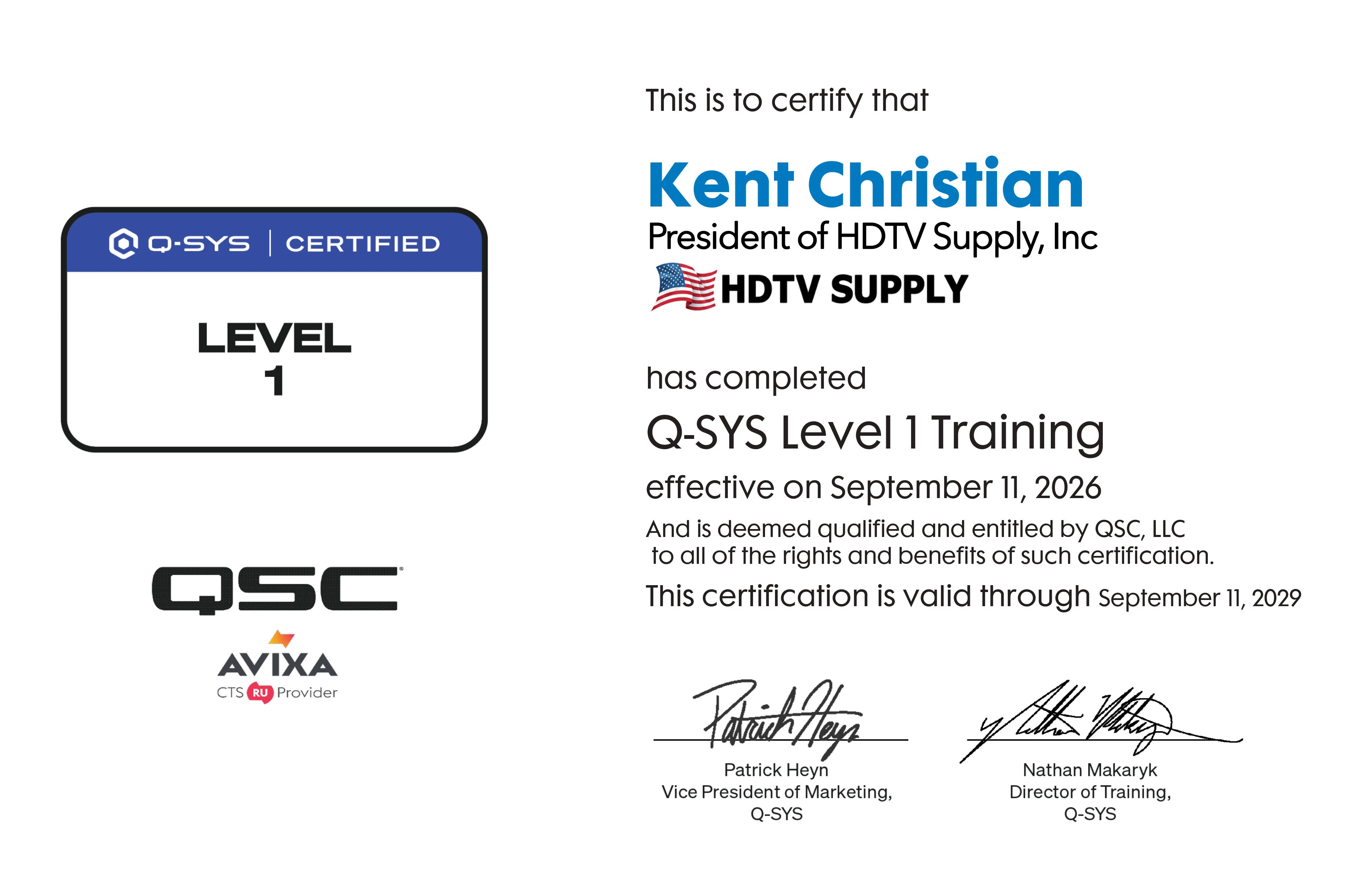
QSC Certified Expertise
Knowledgeable Support for QSC Products
HDTV Supply has QSC Level 1 certified expertise. Our team has completed QSC Level 1 Training, demonstrating foundational knowledge of the QSC platform, including system design, hardware and software, programming, and troubleshooting.
This training helps us provide knowledgeable product guidance when customers are selecting and deploying Q-SYS solutions. When you purchase Q-SYS products from HDTV Supply, you are working with a team that understands the Q-SYS platform and can help you make informed product and system decisions.
Why not buy this QSC Q-SYS QSP-11 Scheduling Panel today?
Ask a Question
Have a question about the QSC Q-SYS QSP-11? Our product specialists are ready to help.
Specifications
| Model | QSP-11 |
| Product Type | Q-SYS Scheduling Panel |
| Brand | QSC |
| Platform | Q-SYS / Microsoft Device Ecosystem Platform (MDEP) |
| Operating System | Android 15 |
| Screen Size | 10.95 Inches (278 mm) |
| Resolution | 1920 x 1200, 16:10 |
| Brightness | 350 nits Typical |
| Touch Type | Projected Capacitive Multi-Touch |
| Screen Surface | Anti-Glare, Oleophobic |
| Motion Sensor | Human Presence / Proximity |
| Status Indicators | Dual RGB Side Lightbars |
| Ethernet | 1 Gbps Ethernet |
| PoE | 802.3af PoE |
| Wi-Fi | 802.11 a/b/g/n/ac, 2.4/5 GHz |
| Bluetooth | Bluetooth 5.0 BR/EDR + LE |
| DC Input | Optional 12V DC Power Supply |
| USB-C | Service / Debug Port |
| Mounting | Wall Mount Included; Glass/Mullion Kit Optional |
| Orientation | Portrait or Landscape |
| Product Dimensions | 10.4 x 7.1 x 1.2 Inches |
| Product Weight | 1.6 lbs (0.7 kg) |
| Estimated Shipping Weight | Approx. 2.5 lbs |
| Manufacturer | QSC |
| Manufacturer Part Number | QSP-11 |
Manuals
Q-SYS QSP-11 Scheduling Panel Hardware User Manual
Download the Official User Manual (PDF)
Covers installation, mounting, power requirements, connectivity, setup, and operation of the Q-SYS QSP-11 Scheduling Panel.
Q-SYS QSP-11 Scheduling Panel Specification Sheet
Download the Official Specification Sheet (PDF)
Includes technical specifications, display details, connectivity, power requirements, and mounting options.
What is the QSC Q-SYS QSP-11?
A: The QSP-11 is a Q-SYS Scheduling Panel designed for Microsoft Teams. It displays room availability and meeting information and allows users to interact with room scheduling functions.
Is the QSP-11 a Q-SYS product?
A: Yes. The QSP-11 is an official Q-SYS product from QSC and is listed as the Q-SYS Scheduling Panel.
What size screen does the QSP-11 have?
A: The QSP-11 features a 10.95-inch touchscreen with a 1920 x 1200 resolution.
Does the QSP-11 work with Microsoft Teams?
A: Yes. The QSP-11 is built on the Microsoft Device Ecosystem Platform and operates as a Microsoft Teams Panel.
Can users reserve a room from the QSP-11?
A: Yes. Microsoft Teams Panel capabilities include reserving a room, checking in, viewing the schedule, extending a reservation, and releasing a room.
Does the QSP-11 support Power over Ethernet?
A: Yes. The QSP-11 supports 802.3af Power over Ethernet through its RJ-45 network connection.
Does the QSP-11 have room availability indicators?
A: Yes. Dual RGB side lightbars provide visible room status indications such as available or in-use.
Can the QSP-11 be mounted outside a conference room?
A: Yes. The QSP-11 is designed for installation outside conference rooms, on walls, or on glass. A surface/wall mount is included, while a glass and mullion mounting kit is optional.
Does the QSP-11 support Wi-Fi?
A: Yes. The QSP-11 supports 802.11 a/b/g/n/ac Wi-Fi at 2.4 GHz and 5 GHz. Wireless operation requires the appropriate DC power accessory.
What is the warranty on the QSC QSP-11?
A: Q-SYS states that its hardware products carry a standard 3-year limited warranty, subject to the applicable warranty terms.
What is the best room scheduling panel for Microsoft Teams?
A: The QSC Q-SYS QSP-11 is a dedicated Microsoft Teams Panel designed to provide room availability, scheduling, and booking functions from a wall-mounted touchscreen.
How does the Q-SYS QSP-11 work with Microsoft Teams Rooms?
A: The QSP-11 runs the Microsoft Teams Panel experience on the Microsoft Device Ecosystem Platform, allowing users to view room status and interact with supported scheduling functions.
Can the QSP-11 be powered over Ethernet?
A: Yes. The QSP-11 supports 802.3af PoE, allowing power and network connectivity through the RJ-45 connection.
Can the QSC QSP-11 be used for room booking?
A: Yes. The QSP-11 provides Microsoft Teams Panel functions including room reservation, check-in, schedule viewing, reservation extension, and release.
What makes the Q-SYS QSP-11 useful for modern meeting spaces?
A: The QSP-11 combines a high-visibility touchscreen, Microsoft Teams integration, PoE connectivity, room-status lightbars, presence detection, and flexible mounting in a dedicated room-scheduling panel.
Why not buy this QSC Q-SYS QSP-11 Scheduling Panel today?
Warranty
The QSC Q-SYS QSP-11 is covered by Q-SYS's standard 3-year limited hardware warranty, subject to the applicable Q-SYS warranty terms and conditions.
Reviews
There are currently no reviews for this product. Be the first to review the QSC Q-SYS QSP-11 Scheduling Panel.

