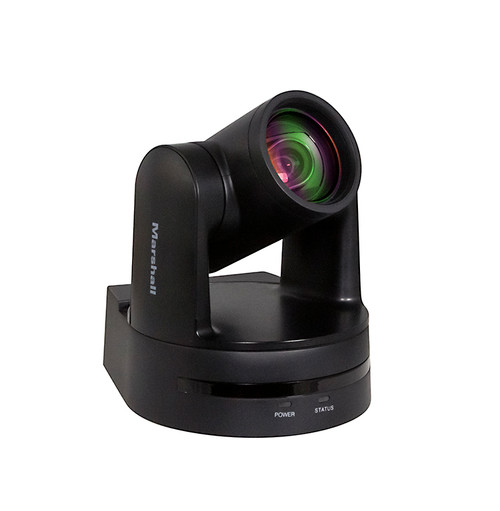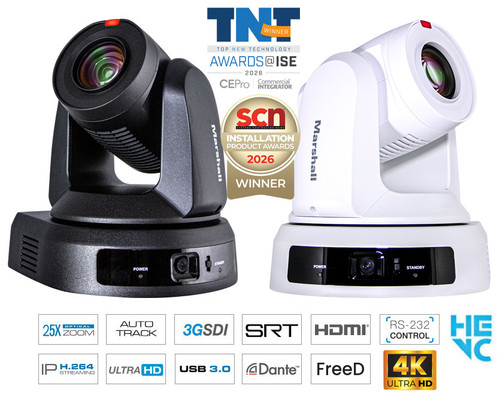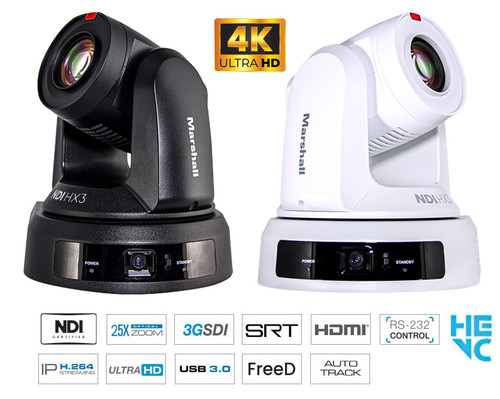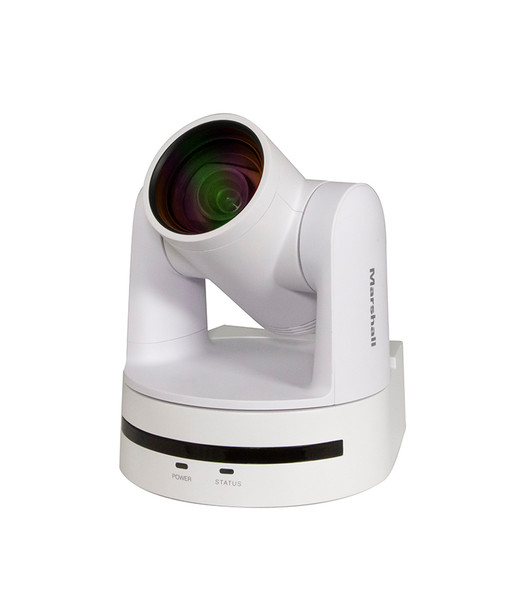

The Marshall CV612-TWI is a white Full HD PTZ camera with automatic presenter tracking and 12× optical zoom. It combines production, computer and network video connections for rooms that need flexible capture with less hands-on camera operation.
Marshall CV612-TWI Auto-Tracking PTZ Camera Features:
- Keep attention on the presenter. Automatic subject tracking reduces the need for constant joystick adjustments. Presenter mode follows one person; regional tracking moves between configured views as that person changes position.
- Frame a room or move in for a closer view. The 12× optical lens covers a 4.1–49.2 mm focal range. Use a wider composition for context, then zoom in when facial expressions or a speaker’s delivery matter.
- Build around the connections you already use. 3G-SDI, HDMI, USB 3.0 and IP outputs accommodate production equipment, computers and network workflows. Match USB and SDI format/frame-rate settings when using all four output types together.
- Capture movement in Full HD. Video up to 1080p60 suits presentations and live production. Select a supported output format that matches the switcher or capture system to avoid unnecessary conversion.
- Send video across an IP network. H.264/H.265 encoding and RTSP, RTMP and SRT support provide streaming options. Confirm the receiving platform’s protocol, authentication and network requirements during setup.
- Simplify power at the camera location. PoE+ supports installations with suitable network power infrastructure. A 12 V DC power connection is also available when local power is more convenient.
- Bring external audio into the camera. A two-channel 3.5 mm line input accepts an appropriate line-level feed. Plan the connection from your mixer or audio equipment rather than assuming a microphone can connect directly.
- Return to planned camera positions. Up to 255 presets let you prepare recurring views; 10 are accessible through the IR remote. RS232 and IP control support integration into a larger production system.
Marshall CV612-TWI Applications:
Classrooms and lecture halls: Follow a lecturer moving between teaching positions while delivering Full HD video to the recording or streaming system.
Houses of worship: Frame a speaker and prepare recurring views for services using tracking and camera presets.
Conference rooms: Connect a suitable USB 3.0 computer or an HDMI, SDI or network video workflow.
Specifications
| Model / finish | CV612-TWI / white |
|---|---|
| Sensor | 1/2.8-inch CMOS; 2.07 megapixels |
| Optical lens | 12×; 4.1–49.2 mm |
| Horizontal view | 6.6°–70.3° |
| HDMI / SDI formats | 1080p: 60/59.94/50/30/29.97/25; 1080i: 60/59.94/50; 720p: 60/59.94/50 |
| USB 3.0 | Type-C; YUY2; up to 1920 × 1080 at 60 fps |
| Connections | 3G-SDI, HDMI, USB-C, LAN, RS232, 3.5 mm line input |
| Network | RTSP, RTMP, SRT, ONVIF; VISCA over IP |
| Serial control | VISCA, Pelco-D, Pelco-P |
| Movement | Pan ±170°; tilt −90° to +90° |
| Tracking | Up to 8 m; up to four continuous regions |
| Power | PoE+ or 12 V DC; 12 V / 2 A adapter |
| Camera size | 162.3 H × 146.2 W × 164.9 L mm |
| Camera weight | 1.49 kg / 3.30 lb (manufacturer specification) |
| Environment | Indoor use |
| Included accessories | Power supply, IR remote, USB 3.0 Type-C cable |
Technical questions
Can all four outputs operate together?
Yes, with USB and SDI set to the same video format and frame rate. Check the receiving devices before configuring the outputs.
Does a USB-C connector guarantee 1080p60?
No. Use a USB 3.0 host connection and suitable cable. The listed USB 2.0 modes are lower-resolution formats.
Does this camera capture 4K?
No. Its specified maximum video resolution is Full HD, 1920 × 1080.
What is the difference between the tracking modes?
Presenter mode follows a single subject. Regional tracking transitions between configured areas; the manufacturer specifies up to four continuous regions and an 8 m tracking range.
Can I connect a microphone directly?
The 3.5 mm input is specified for line-level audio. Check microphone output and any required preamplifier or mixer.
How can I control pan, tilt and zoom?
Use the IR remote or supported serial/IP control. Serial protocols include VISCA and Pelco-D/P; network control includes VISCA over IP.
Is Dante AV-H already activated?
It is Dante Ready. End-user activation through Dante Controller is required; do not assume activation is included.
What comes with the camera?
The manufacturer lists a power supply, IR remote and USB 3.0 Type-C cable. Select mounting hardware separately for the installation.
Choosing the right camera
Where is this model a useful fit?
Consider it for a lecture, worship service or meeting where a presenter moves while speaking and the production needs Full HD video.
Which color is this listing?
CV612-TWI is white. The black version is a separate model, CV612-TBI.
What should I check before ordering?
Confirm camera position, desired framing, tracking distance, video connections, control method, mounting and available power.
Can I install it outdoors?
The camera is specified for indoor use. An exposed outdoor installation is outside that specification.